AI Interior Design Generator
Design your space: turn interior and exterior ideas into photorealistic images with AI.
AI Render
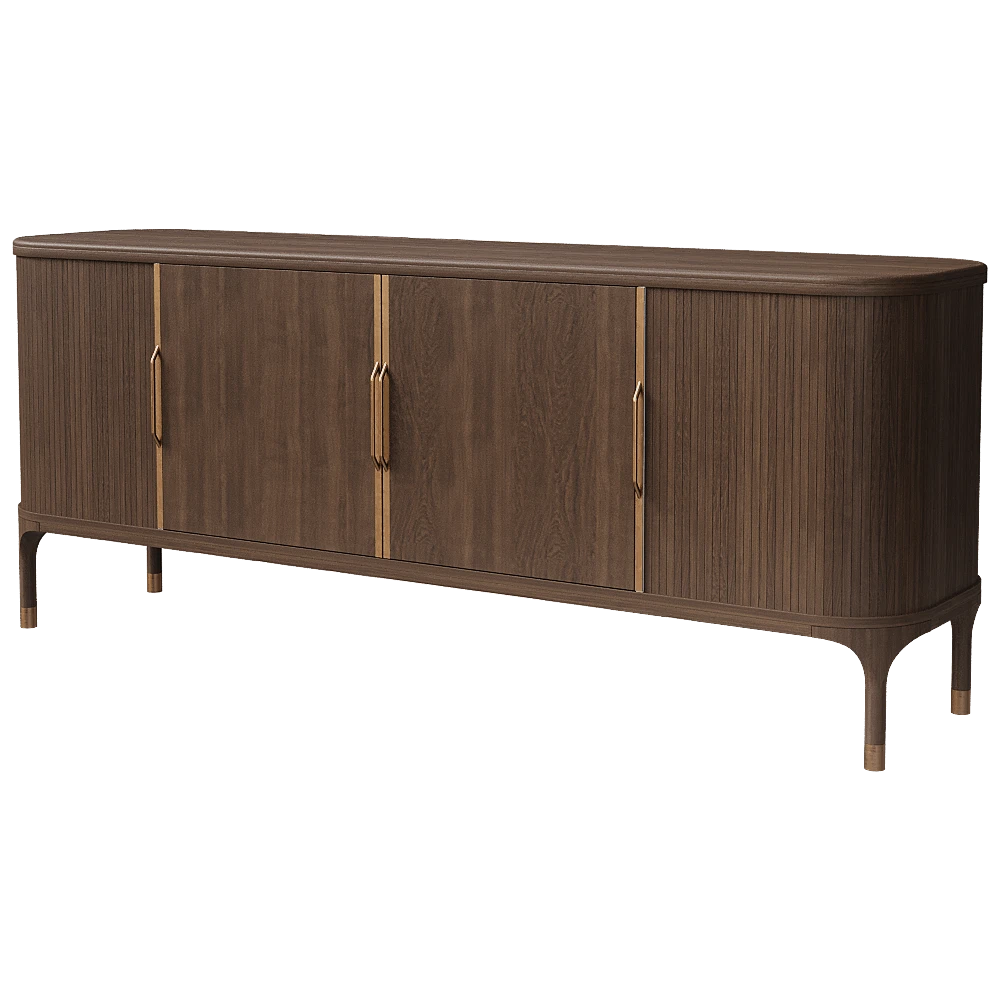
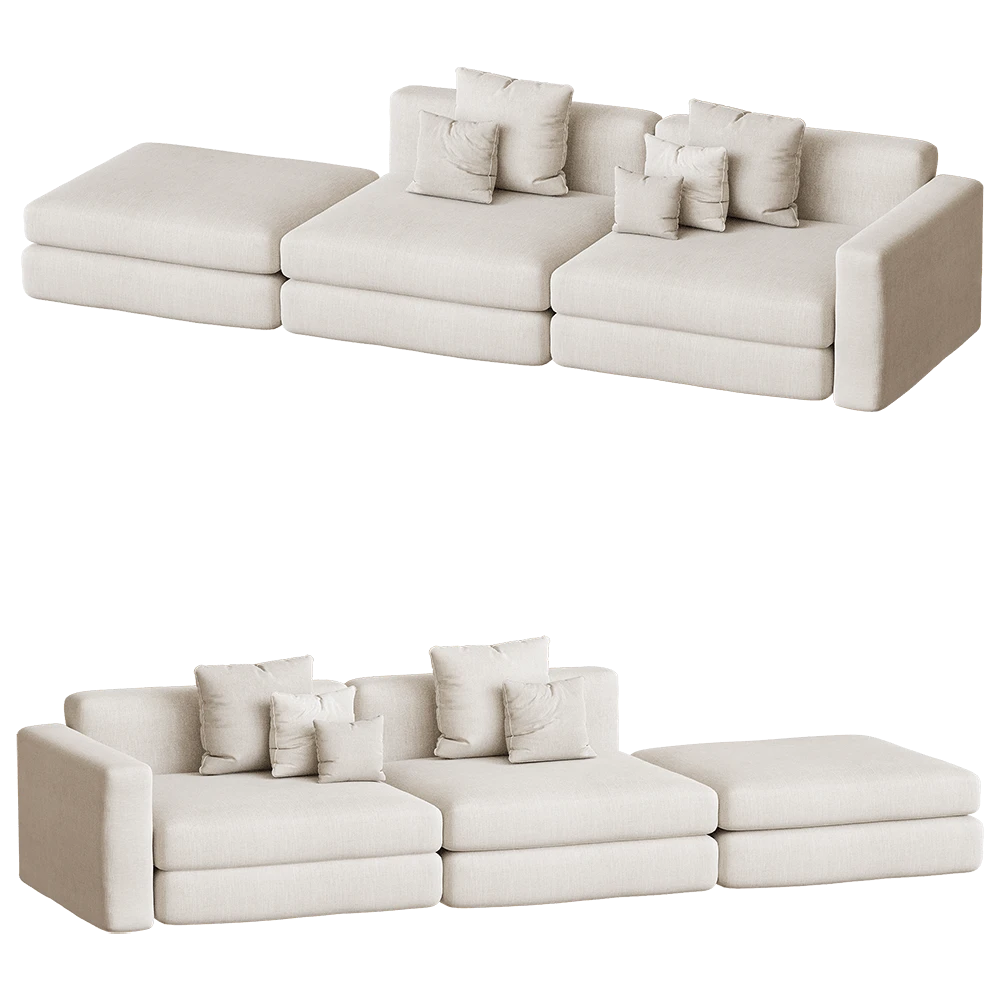
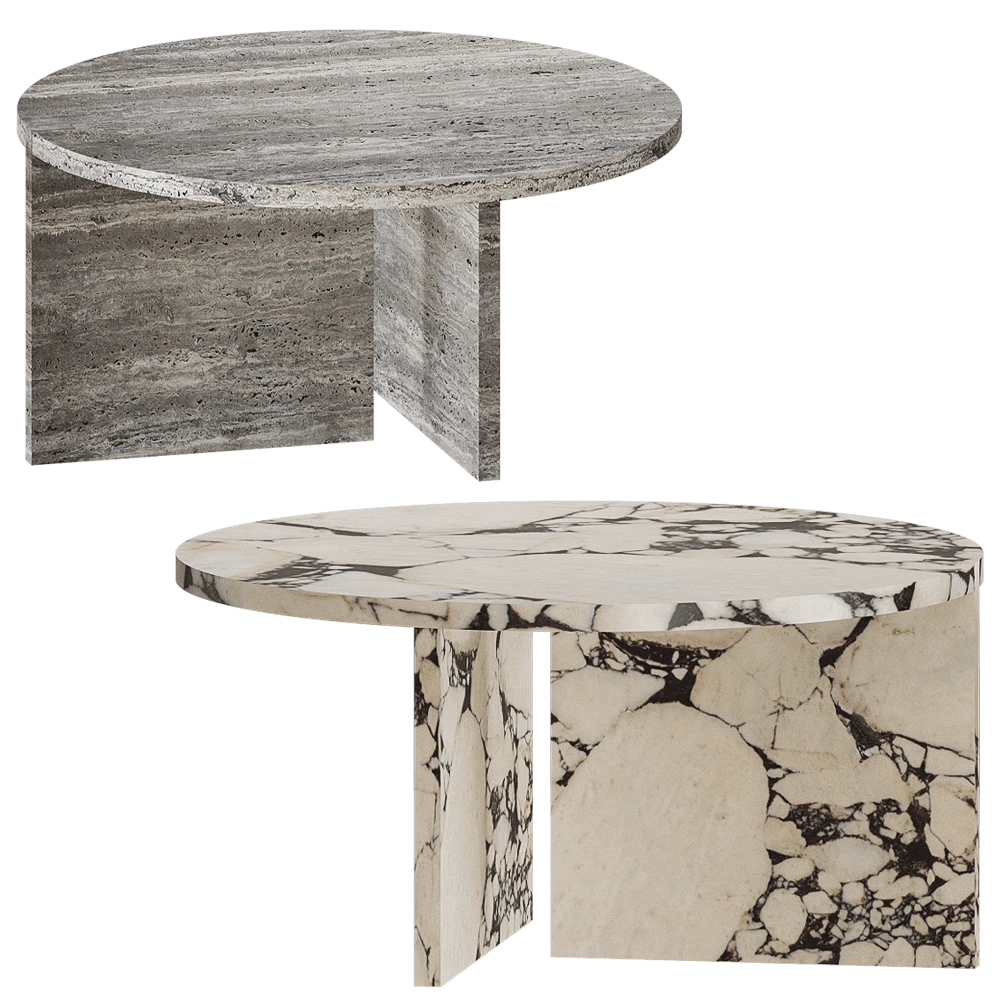
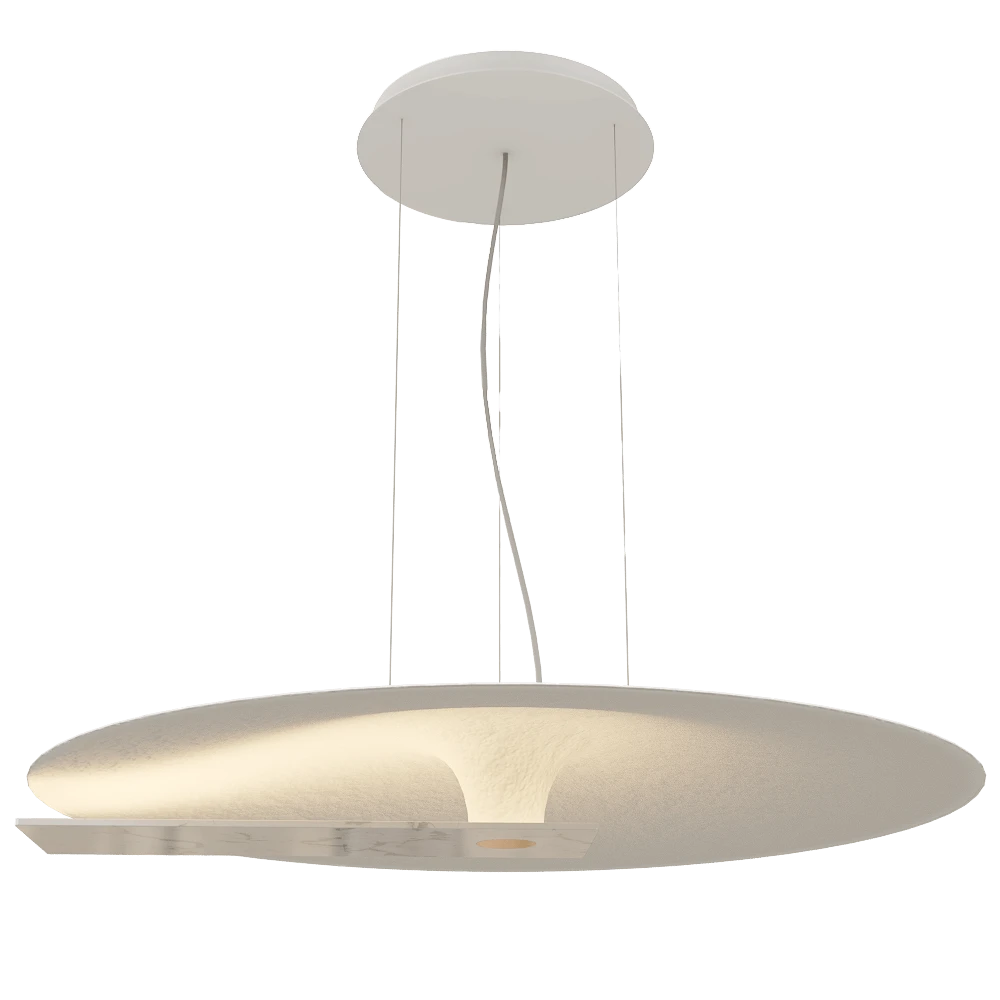
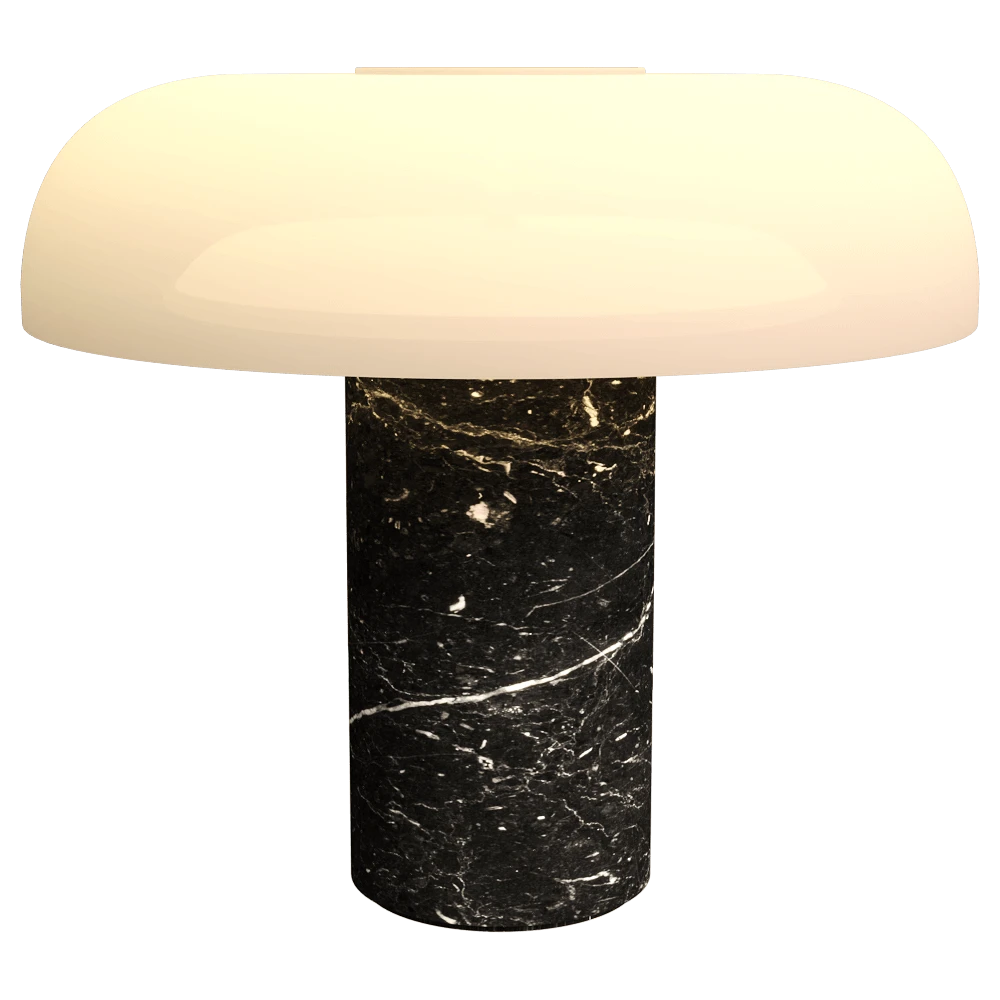
Real 3D Models
Pick furniture from the Zeel Project library and the render uses those exact pieces.
Set the Scene
Choose size, ratio, style, room and light in a couple of clicks.
Describe It
Write what you want in plain words. The AI handles the rest.

Render in Seconds
Hit Generate and get a photorealistic image you can keep editing.
Realistic Render
Turn a raw interior, exterior, or 3D model image into a photorealistic visualization. Choose a style, lighting, and room type, and let AI do the rest.


Exterior Design
Generate and refine building exteriors with control over facade materials, time of day, and surroundings.


Image Enhancer
Edit and improve an existing image by describing the change you want. Adjust lighting, materials, and details without starting from scratch.


Style Transfer
Apply the style of a reference interior or exterior onto your own image, so you can preview a new look before you commit to it.


Product Finder
Upload a photo, automatically detect the products in it, and find matching 3D models in the Zeel Project library.

Detect Every Product
AI scans the photo and marks each piece of furniture it finds.
Or Mark Them Yourself
Draw a box around anything you want to search for.
Every Object, Cropped
Each detected product gets its own thumbnail, ready to search.
Matched from the Library
Pick an object and get similar 3D models from the Zeel Project library.
Recent Workspaces
Recent Generations
Browse allFrequently asked questions
What is Zeel Project AI Studio?
Zeel Project AI Studio is a set of AI tools for interior and exterior visualization. Render rooms from a text prompt, turn 3D model screenshots into photorealistic images, edit photos, transfer a style, and find the furniture in any photo as 3D models from the Zeel Project library.
Is it free to use?
You can start with a free Zeel Project account. Each generation uses credits, starting at 1 credit for a standard image, and eligible free accounts get their free credits topped up every day. Paid plans add more credits for regular work.
How is it different from other AI interior design generators?
Most generators invent furniture that does not exist. In AI Render you pick real 3D models from the Zeel Project library as references, and the render uses those exact pieces instead of lookalikes.
Which image formats and resolutions are supported?
You can upload PNG, JPG and WEBP images. Results are generated at 1K, 2K or 4K resolution, in the aspect ratio of your source image or one you choose. Higher resolutions use a few more credits.
Do I need design or 3D skills?
No. Describe what you want in plain words, or upload a photo and pick a style, room type and lighting. Every setting has an Auto option, so the AI fills in anything you leave open.
Which AI models does Zeel Project AI Studio use?
You choose the model for each image: GPT Image 2.5 (OpenAI) and Nano Banana 2.1 (Google) are both available on every account, including free ones. Switch models in the settings before you generate; higher quality options use more credits, and the cost is always shown on the Generate button.