Photorealistic AI Rendering
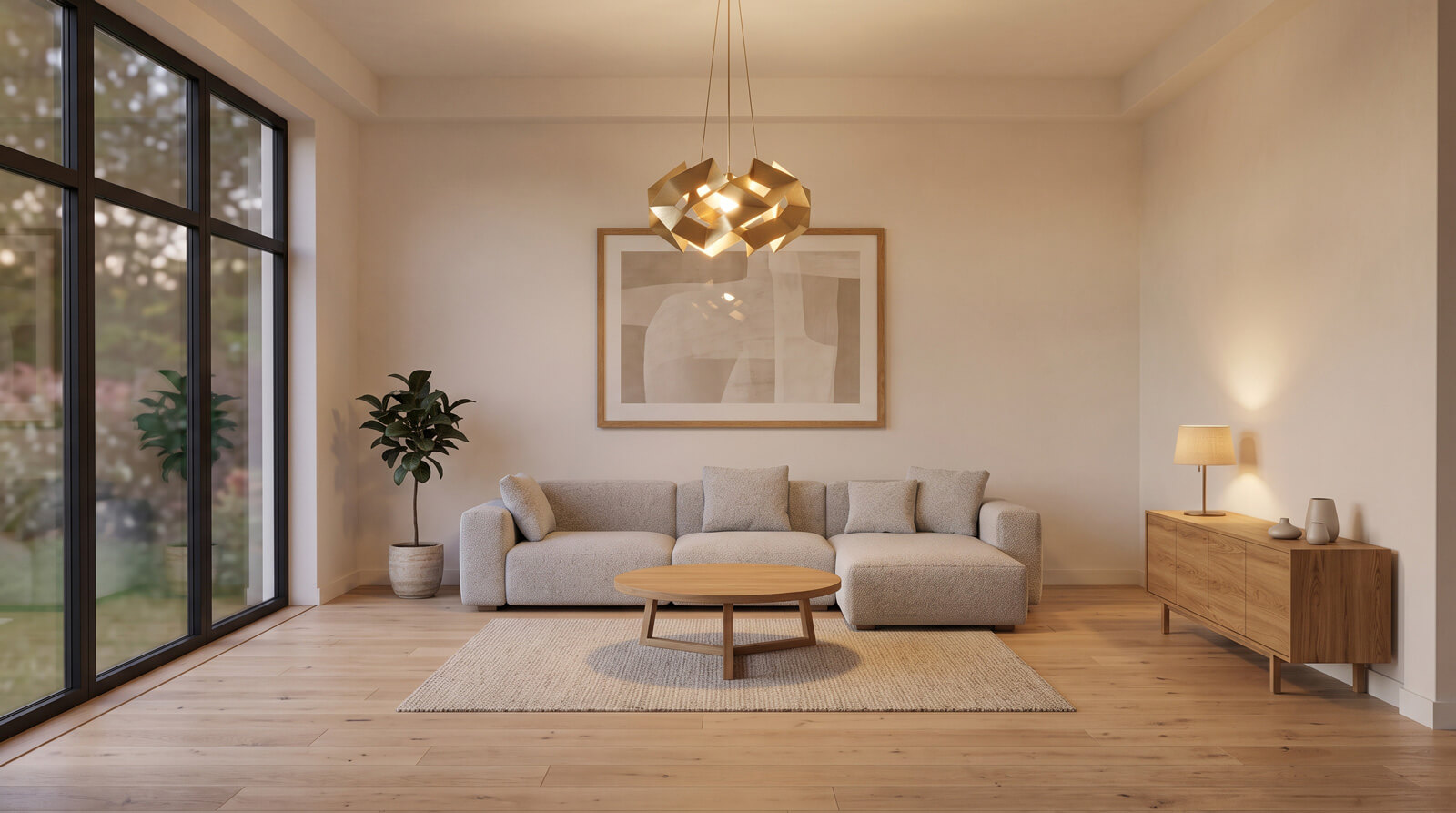
Turn a raw interior, exterior, or 3D model image into a photorealistic visualization. Choose a style, lighting, and room type, and let AI do the rest.
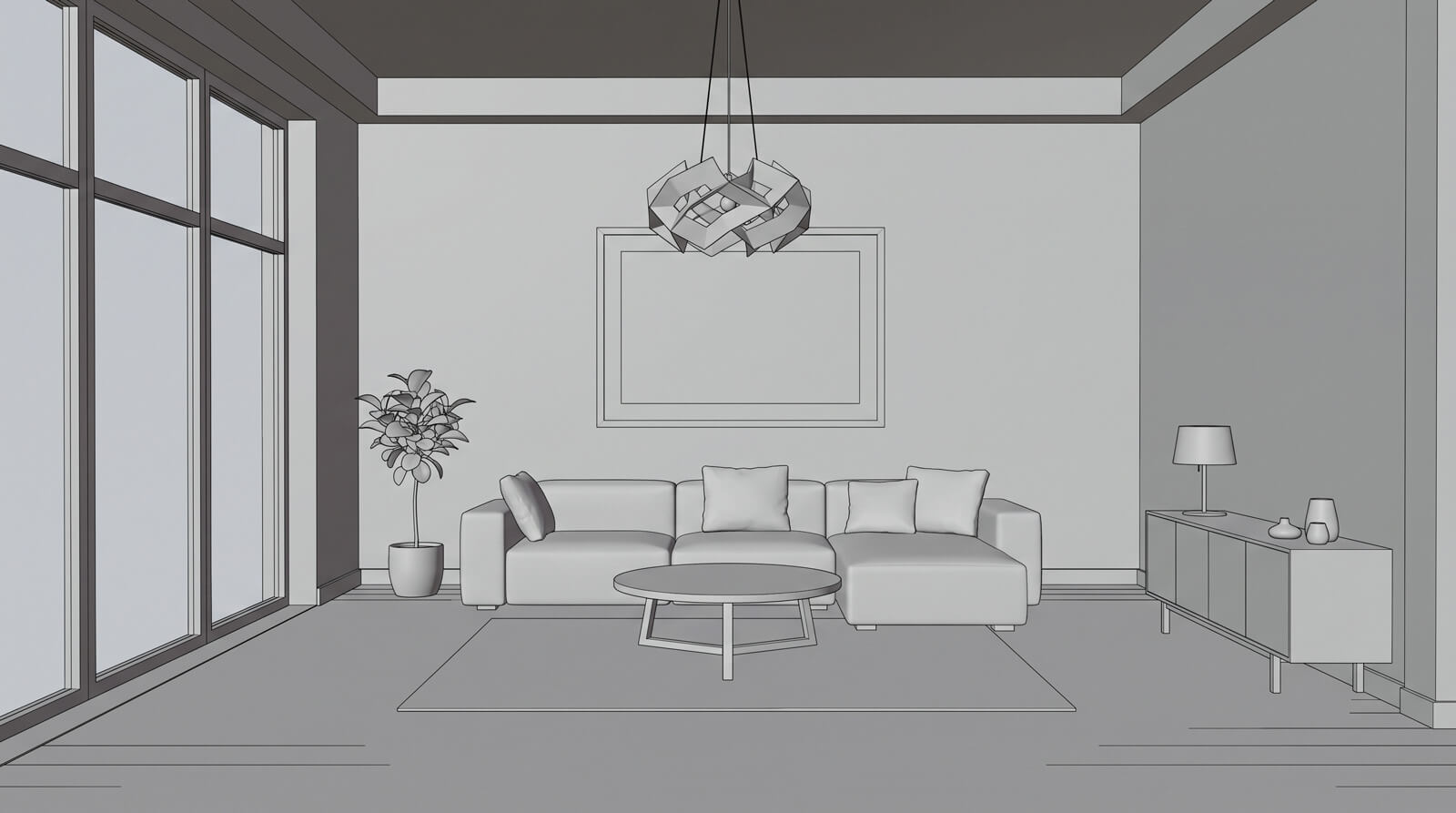
Upload a raw interior, exterior, or 3D model image.


Choose which AI model renders your image.
Higher quality takes longer and costs more credits.
Pick the look, the space and the output format. Every setting has an Auto option.
Higher resolutions cost extra credits.
Auto matches your uploaded image.
Press Enter to generate, Shift+Enter for a new line
Nothing generated yet
Upload a source image, choose your settings, and click Generate to see it here.
How Realistic Render works
Realistic Render turns a raw interior or exterior photo, or a screenshot of your 3D model, into a photorealistic visualization in a few clicks. Powered by GPT Image 2.5 (OpenAI) and Nano Banana 2.1 (Google), both available on every account.
Upload your image
Drop in a raw photo or a screenshot from SketchUp, 3ds Max, Revit or any other 3D tool. Add up to 10 images at once to process them as a batch.
Choose the look
Pick a design style, room type, lighting, resolution and aspect ratio, or leave any of them on Auto. Add a short note if you want something specific.
Generate and compare
Get a finished render, then drag the slider to compare it with your original. Keep it, generate again, or open it for further editing.
AI rendering for design, architecture and real estate
Interior designers
Show clients a photorealistic version of a concept while it is still a rough SketchUp or 3ds Max view, before any final render.
Architects
Turn early model screenshots into convincing interior and exterior visuals for design reviews and competition boards.
Real estate
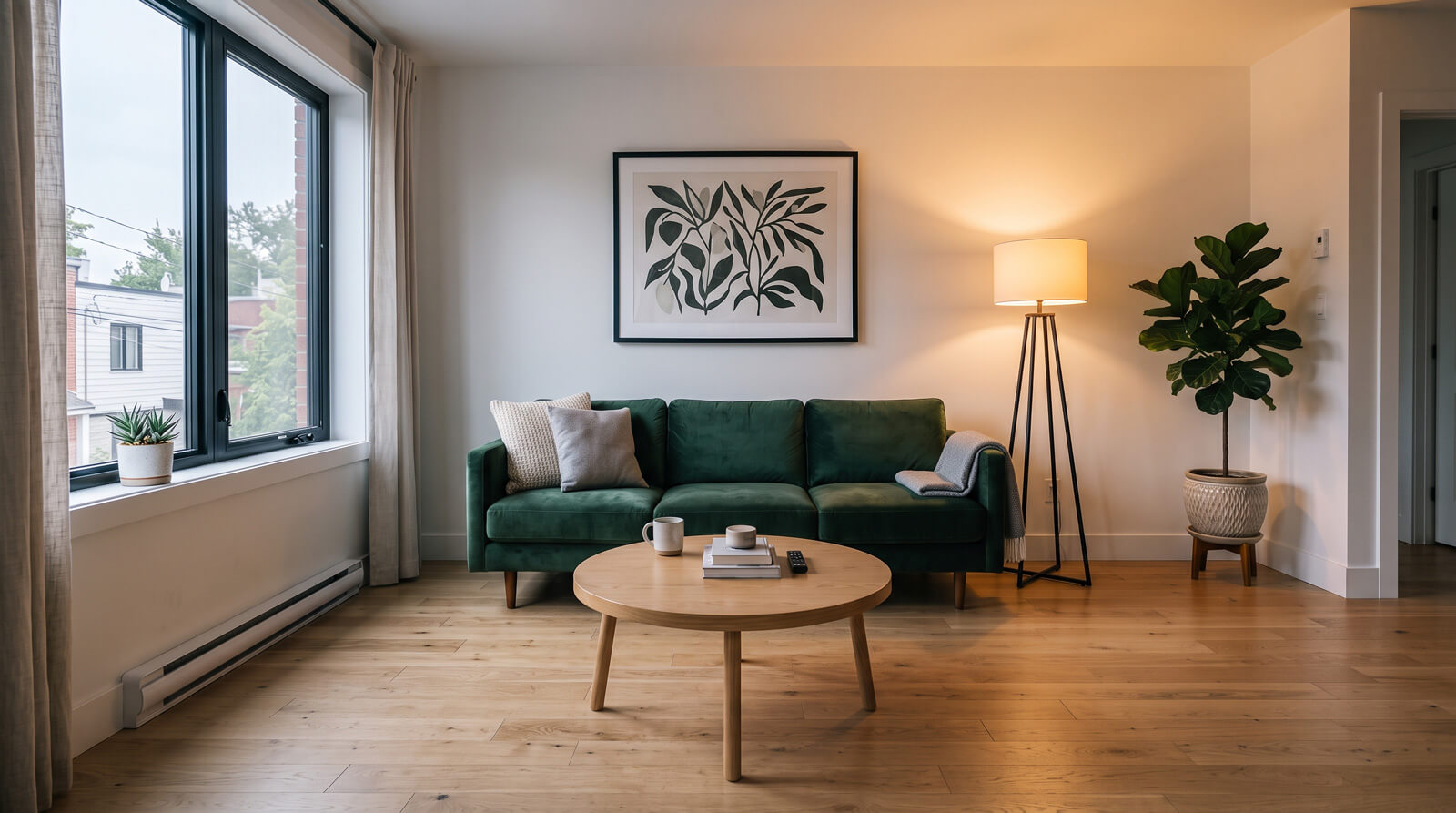
Present unfinished or off-plan spaces as photorealistic rooms for listings and sales brochures.
3D artists
Get a fast preview of a scene's lighting and materials, or process up to 10 views at once to show clients options.
Frequently asked questions
Which 3D programs does Realistic Render work with?
All of them. Realistic Render works from an image, so a screenshot or viewport export from SketchUp, 3ds Max, Revit, Blender, Rhino or any other tool is enough. There is no plugin to install and no scene file to upload.
Will it change my layout?
It aims to keep the room layout and camera angle of your image while upgrading materials, lighting and realism. For bigger changes, describe them in Additional Details or refine the result with Image Enhancer.
How long does a render take?
Usually from a few seconds to about two minutes, depending on the resolution and the image model you choose. You can keep working while it runs.
Can I render exteriors too?
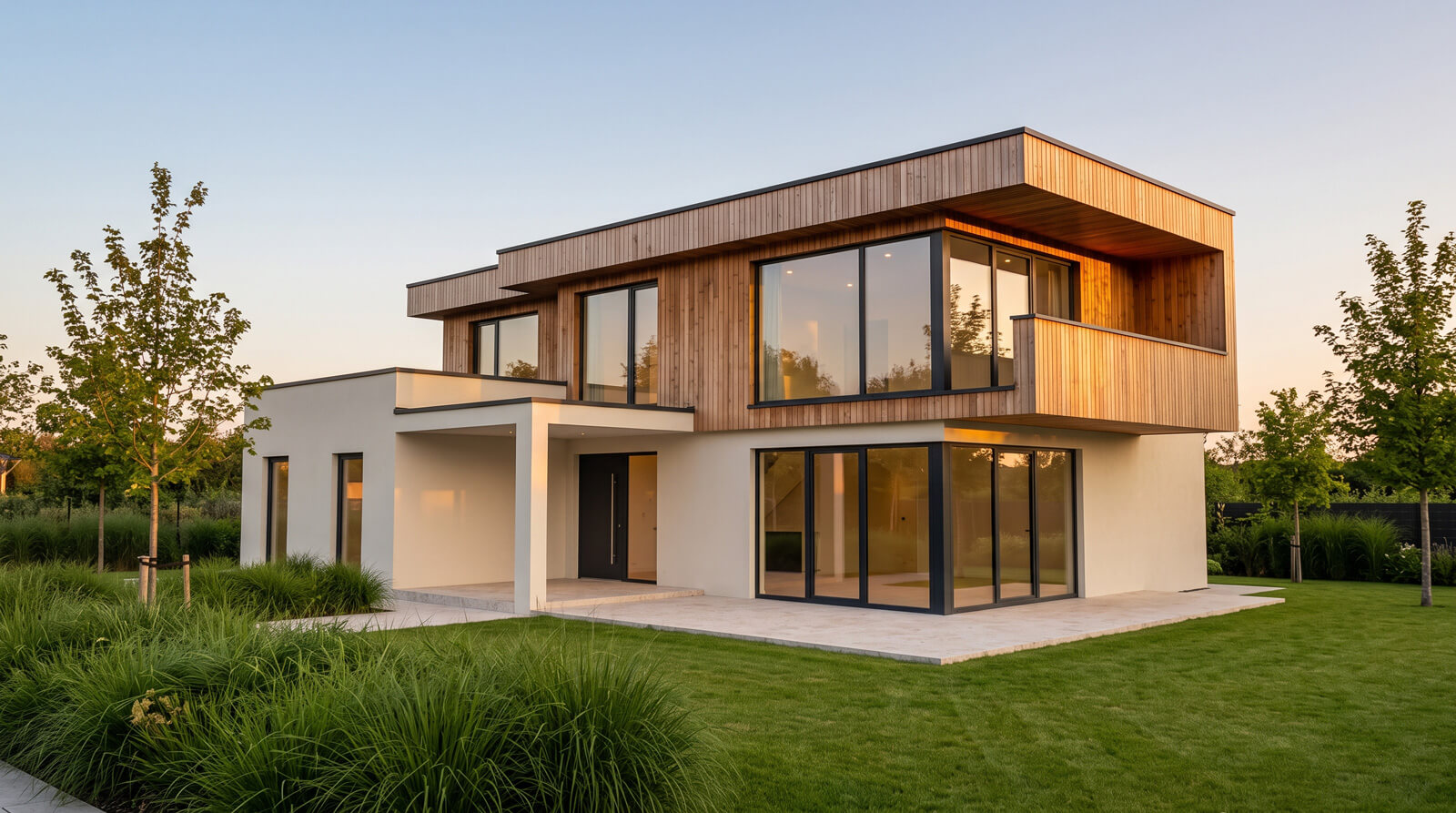
Yes. Realistic Render accepts both interior and exterior images. For facade materials, time of day and surroundings, Exterior Design gives you dedicated controls.
Which AI model renders my image?
You decide. GPT Image 2.5 (OpenAI) and Nano Banana 2.1 (Google) are both available, and you can pick either one in the settings before each render. The exact credit cost of your choice is shown on the Generate button.